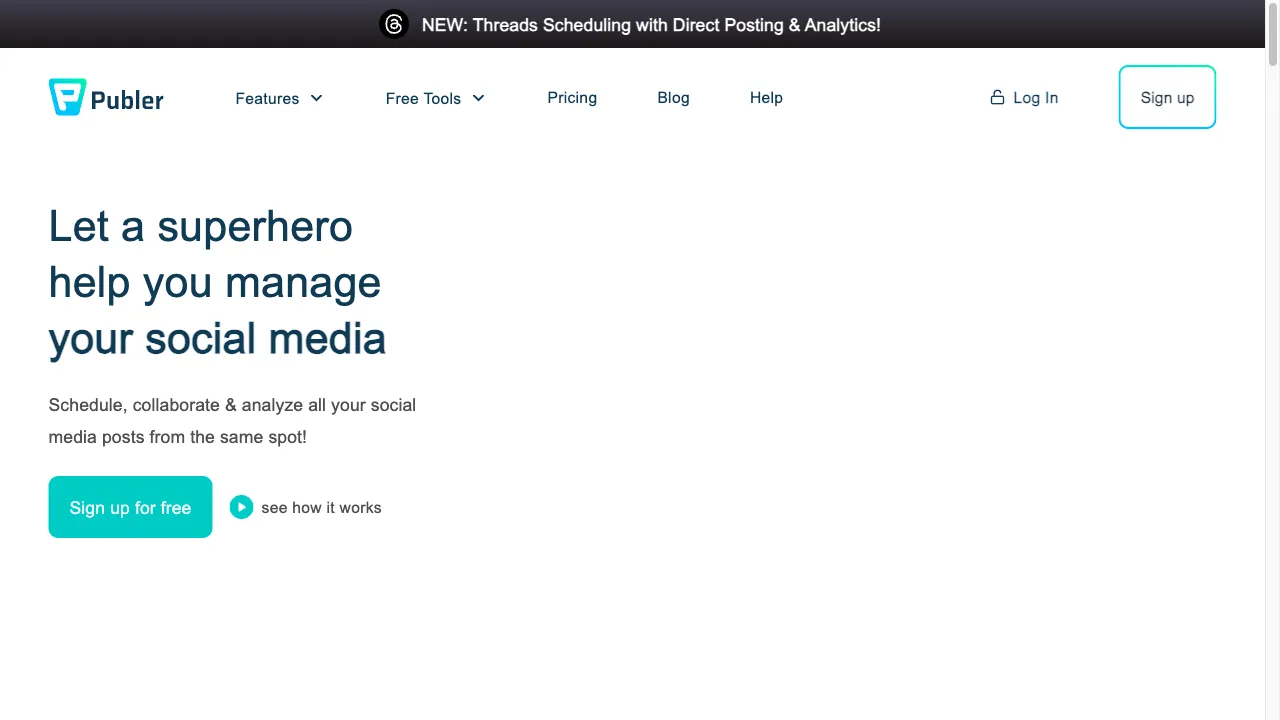
What is Publer?
Publer is a social media management platform designed to streamline the management of multiple social media accounts. It allows users to collaborate, schedule, and analyze posts across popular networks like Facebook, Instagram, Twitter, and more. With over 240,000 users, Publer offers a user-friendly interface, robust scheduling tools, built-in content creation capabilities, analytics for performance tracking, and team collaboration features. Its pricing structure includes a free plan and affordable paid options, making it accessible to individuals, small businesses, and agencies. Despite some limitations in the free version and the absence of certain features like a unified inbox, Publer remains a strong choice for enhancing social media strategies.
Publer Traffic Analytics
Publer Monthly Visits
Publer Top Visited Countries
Publer Top Keywords
Publer Website Traffic Sources
Publer Features
Social Media Scheduler
Publer's scheduling tool is its core feature, allowing users to automate posts across various platforms. The drag-and-drop calendar interface helps users visually organize content, ensuring timely and strategic posting.
Content Creation Tools
With built-in graphic design tools and integrations with platforms like Canva, Publer enables users to create visually appealing posts. It also includes an AI image generator and caption generator to streamline the content creation process.
Analytics and Reporting
Publer provides detailed analytics to track performance metrics, engagement levels, and growth across social media accounts. Users receive insights on the best times to post, optimizing their posting strategies.
Collaboration Features
Publer supports team collaboration through workspaces, allowing multiple users to manage accounts efficiently. Admins can assign roles and permissions, facilitating a structured workflow.
Content Curation
The platform offers tools for discovering and sharing engaging content from the web, enhancing users' ability to maintain a dynamic social media presence.
Post Recycling and Auto-Scheduling
Users can recycle high-performing posts and utilize auto-scheduling features, ensuring consistent posting without manual intervention.
Publer Pros
User-Friendly Interface
Publer is designed with a user-friendly interface that makes it accessible for both beginners and experienced users. Its intuitive layout allows users to navigate the platform with ease, making social media management less daunting.
Comprehensive Features
The platform offers a wide range of tools for scheduling, content creation, and analytics, making it a robust solution for social media management. This comprehensive feature set allows users to address all their social media needs in one place.
Collaboration Tools
The ability to create workspaces and assign roles enhances team collaboration, which is particularly beneficial for agencies and businesses that require coordinated efforts in managing social media accounts.
Affordable Pricing
With a generous free plan and competitive pricing for paid plans, Publer is accessible to a wide range of users. This affordability makes it an attractive option for individuals, small businesses, and agencies looking for effective social media management solutions.
Publer Cons
Limited Features for Free Users
While Publer offers a free plan, it comes with significant limitations that may not be sufficient for users with more extensive social media management needs. Users requiring more capabilities may need to upgrade to a paid plan.
Lack of Unified Inbox
Publer does not provide a unified inbox for managing messages across different platforms, which can be a drawback for users seeking an all-in-one solution for social media communication.
Limited Social Listening Capabilities
The absence of social listening features may restrict users' ability to effectively engage with their audience and monitor brand mentions across social media platforms.
How to Use Publer
Step 1: Creating an Account
To get started with Publer, users need to create an account. This can be done by signing up with an email address or by connecting through existing social media accounts like Facebook or LinkedIn. Once the account is created, users can access the platform's features.
Step 2: Connecting Social Media Accounts
After creating an account, users should connect their social media profiles to Publer. This integration allows for centralized management of all social media accounts, streamlining the process of scheduling and publishing posts.
Step 3: Creating and Scheduling Posts
Users can create posts using Publer's content creation tools. After drafting their posts, they can schedule them using the calendar feature, selecting specific times for publication to optimize engagement.
Step 4: Analyzing Performance Metrics
Once posts are published, users can access Publer's analytics dashboard to monitor engagement and performance metrics. This data helps users understand how their content is performing and allows them to adjust their strategies accordingly.
Who is Using Publer
For Individuals
Content creators can utilize Publer to manage their personal brands effectively. By scheduling posts and analyzing engagement metrics, they can refine their strategies and grow their online presence.
For Small Businesses
Small businesses can leverage Publer to maintain an active online presence, engage with customers, and promote their products or services effectively. The platform's scheduling and analytics tools can help streamline their social media efforts.
For Agencies
Marketing agencies can use Publer to manage multiple client accounts efficiently. The collaboration features allow team members to work together seamlessly, while analytics provide clients with valuable insights into their social media performance.
Comments
"Publer has transformed how I manage my social media! The scheduling features are easy to use and save me so much time."
"I love the content creation tools! Being able to design posts directly within Publer is a game-changer for my workflow."
"While the free plan is great, I wish there were more features available without having to upgrade. Still, it's a solid tool overall."
"The analytics provided by Publer are incredibly helpful. I can see exactly what works and what doesn't for my audience."
"As an agency, we rely on Publer for managing multiple clients. The collaboration features are fantastic and make our workflow so much smoother."
References
- [1] Publer Review 2024: Pros And Cons You Need To Know.URL:https://bloggingwizard.com/publer-review/on: 8/25/2024
- [2] Manage Multiple Social Media Accounts With Publer.URL:https://publer.io/blog/manage-multiple-social-media-accounts/on: 8/25/2024
Publer Alternatives

A Comprehensive Website Builder

Create a personal page showcasing content and links easily.

A comprehensive AI-powered platform for content creators.

All-in-one influencer marketing platform for brands and agencies.

Leading provider of high-quality training data for AI and ML.

A leading website builder for WordPress with a drag-and-drop interface.

A versatile social media management tool for scheduling and analytics.

Streamline your social media management with SocialBu.

Create personalized link-in-bio pages effortlessly with AI.

A visual headless CMS for e-commerce brands, especially Shopify.

Innovative investing platform offering diverse assets and community features.

A comprehensive social media management platform for businesses.

A platform for user-generated content integration and management.

Streamline your Twitter thread creation and analytics with Typefully.

Comprehensive social media management tool for Twitter.

Create personalized link-in-bio pages for social media.