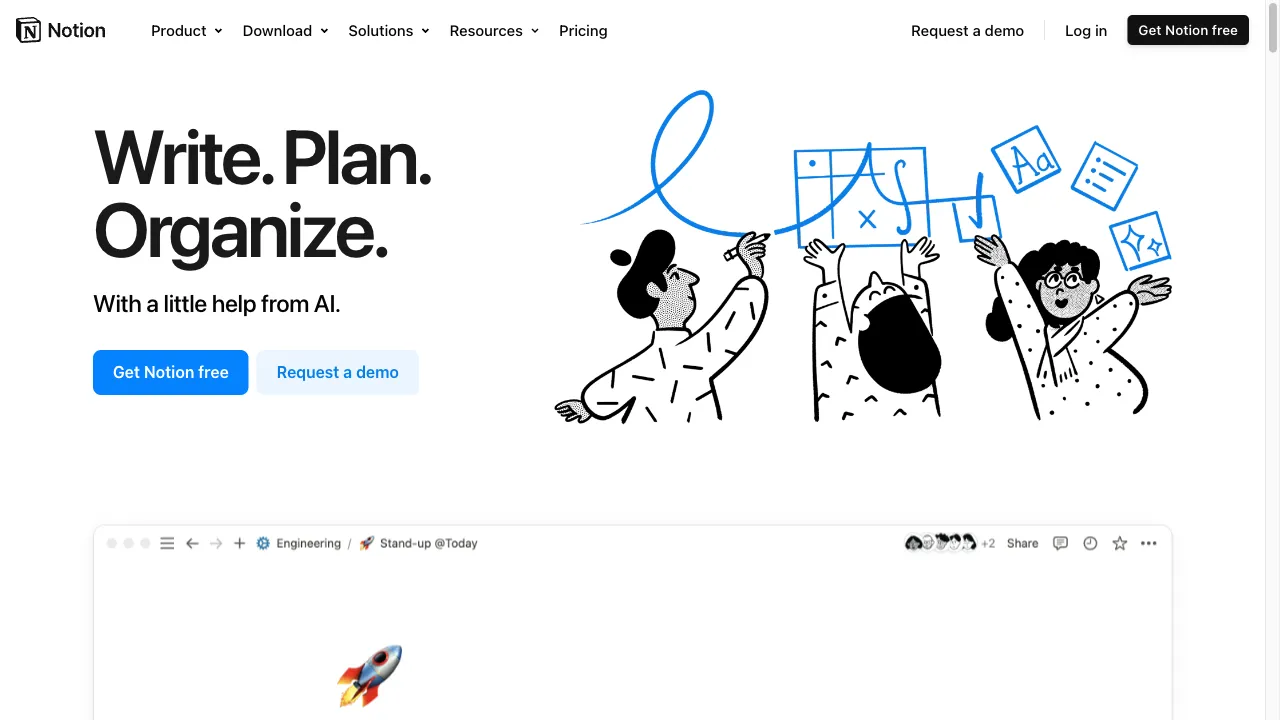
क्या है Notion?
Notion is a versatile productivity tool designed as an all-in-one workspace for individuals and teams. It combines note-taking, project management, task organization, and collaboration features into a single platform, allowing users to customize their workflows according to their specific needs. This report explores Notion's various aspects, including its features, use cases, pros and cons, considerations, and user reviews.
Notion ट्रैफिक एनालिटिक्स
Notion मासिक विजिट
Notion शीर्ष विजिट किए गए देश
Notion शीर्ष कीवर्ड्स
Notion वेबसाइट ट्रैफिक स्रोत
Notion विशेषताएँ
Customizable Pages
Users can create and customize pages using various content types, including text, images, databases, and more. This flexibility allows for tailored workflows.
Collaboration Tools
Notion facilitates seamless collaboration through features like comments, mentions, and shared workspaces, enabling users to share their work and receive feedback.
Templates
The platform offers over 10,000 templates to help users get started quickly, covering various use cases including project management, documentation, and personal planning.
Relational Databases
Notion allows users to create relational databases, making it easy to connect and manage information across different projects and tasks.
Integrations
The platform integrates with popular tools like Slack and Google Calendar, enhancing its functionality and allowing for streamlined workflows.
AI Assistance
Notion includes AI features that help users brainstorm ideas, summarize content, and draft documents, making it easier to manage tasks and projects.
Notion फायदे
Flexibility
Notion's customizable nature allows users to tailor their workspace to fit their specific needs, making it suitable for a wide range of applications.
Collaboration
The platform excels in facilitating teamwork, with features that promote communication and feedback.
Rich Feature Set
Notion combines multiple functionalities, reducing the need for multiple tools.
Templates
The availability of numerous templates helps users get started quickly and efficiently.
Notion नुकसान
Steep Learning Curve
New users may find the platform overwhelming due to its extensive features and customization options.
Complexity
While flexibility is a strength, it can also lead to confusion about how to best structure workspaces and projects.
Limited Offline Functionality
Notion's capabilities are significantly reduced when offline, which may be a drawback for users who need access without an internet connection.
Pricing
Some users find Notion's pricing structure to be on the higher side, especially for larger teams.
उपयोग कैसे करें Notion
Step 1: Sign Up
Create an account on the Notion website.
Step 2: Explore Templates
Browse the extensive template gallery to find a starting point that suits your needs.
Step 3: Create Pages
Use the drag-and-drop interface to create and customize pages, adding various content types as needed.
Step 4: Collaborate
Invite team members to collaborate on projects, share feedback, and track progress.
Step 5: Utilize Integrations
Connect Notion with other tools to enhance functionality and streamline workflows.
कौन उपयोग कर रहा है Notion
Project Management
Teams can manage projects from inception to completion, tracking tasks, deadlines, and progress in one place.
Documentation
Notion serves as an effective tool for creating and maintaining documentation, wikis, and knowledge bases.
Personal Organization
Individuals can use Notion for personal planning, including habit tracking, goal setting, and journaling.
Content Planning
Marketers and content creators can plan and schedule content across multiple platforms, including social media.
Meeting Notes
Notion can centralize meeting notes and action items, ensuring that important information is easily accessible.
टिप्पणियाँ
"Notion has completely changed the way I manage my projects! The flexibility is amazing."
"I love the templates available in Notion. They make setting things up so much easier."
"The collaboration features are top-notch. My team loves using it together!"
"The learning curve is real, but once you get the hang of it, it's worth it!"
"I wish there were better offline capabilities, but overall, Notion is a fantastic tool."
संदर्भ
- [4] Notion सॉफ़्टवेयर के उपयोग के लाभ और हानि.URL:https://projectmanagers.net/the-pros-and-cons-of-using-notion-software/
- [6] Notion शानदार है। मैं कौन से अद्भुत उपयोग के मामलों को छोड़ रहा हूँ?.URL:https://www.reddit.com/r/Notion/comments/11perdn/notion_is_spectacular_what_amazing_use_cases_am_i/
Notion विकल्प

AI-powered note-taking application for efficient organization.

एक अभिनव AI उपकरण जो उत्पादकता और ध्यान बढ़ाने के लिए है।

एक ऑटोमेशन प्लेटफ़ॉर्म जो अनुप्रयोगों को जोड़ता है।

टीमों के लिए एक प्रमुख दृश्य सहयोग प्लेटफार्म।

एक बहुपरकारी परियोजना प्रबंधन और सहयोग उपकरण।

एक AI-संचालित उपकरण जो कुशल नोट-लेखन और सारांशण के लिए है।

एक बहुपरकारी सहयोगात्मक प्लेटफार्म टीमों के लिए।

A visual workspace for collaboration and ideation.

एक क्लाउड-आधारित डिजिटल कार्यक्षेत्र दृश्य सहयोग के लिए।

एक उत्पादकता उपकरण जो संचार और कार्यप्रवाह को बढ़ाता है।

एक डिजिटल नोट-लेने वाला एप्लिकेशन सहज संगठन के लिए।

एक बहुपरकारी प्लेटफ़ॉर्म प्रभावी जानकारी प्रबंधन के लिए।

AI-driven tool for creating mind maps from diverse content.

टीमों के लिए एक शक्तिशाली उत्पाद प्रबंधन उपकरण।

AI-driven platform for unstructured data management.

एक बहुपरकारी दस्तावेज़ और नोट-लेखन एप्लिकेशन।