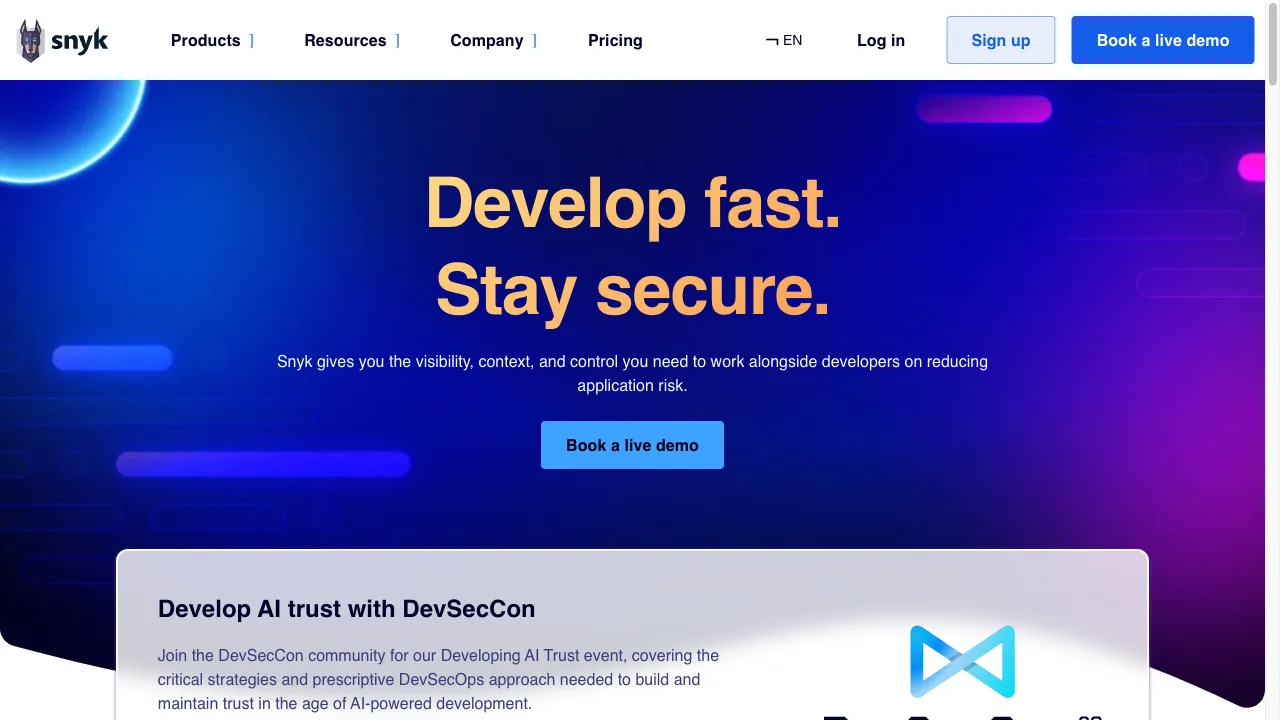
क्या है Snyk?
Snyk is a cloud-based security solution designed to empower developers in managing application security throughout the development lifecycle. By seamlessly integrating with development tools, Snyk enables teams to identify and fix security vulnerabilities in real-time, covering code, dependencies, containers, and infrastructure as code (IaC). With features like Snyk Code, Snyk Open Source, Snyk Container, and more, Snyk supports a wide range of programming languages and frameworks, making it a versatile tool for modern software development. Its capabilities extend to continuous monitoring, automated security checks in CI/CD pipelines, and comprehensive reporting, ensuring that security is maintained without disrupting existing workflows.
Snyk ट्रैफिक एनालिटिक्स
Snyk मासिक विजिट
Snyk शीर्ष विजिट किए गए देश
Snyk शीर्ष कीवर्ड्स
Snyk वेबसाइट ट्रैफिक स्रोत
Snyk विशेषताएँ
Snyk Code
Snyk Code provides static application security testing (SAST) capabilities, allowing developers to identify vulnerabilities in their code as they write it. It offers real-time scanning and actionable remediation advice directly within the integrated development environment (IDE).
Snyk Open Source
This tool helps developers manage and secure open-source dependencies by identifying vulnerabilities and suggesting upgrades or patches, ensuring that third-party libraries do not introduce security risks.
Snyk Container
Focusing on container security, Snyk Container enables users to find and fix vulnerabilities in container images, ensuring that base images are secure and compliant with security standards.
Snyk IaC
Snyk Infrastructure as Code scans cloud configuration files for misconfigurations and vulnerabilities, helping teams secure their cloud infrastructure from the ground up.
CI/CD Integration
Snyk integrates with popular CI/CD tools, allowing for automated security checks during the build process, which helps maintain a secure development lifecycle without disrupting existing workflows.
Comprehensive Reporting
Snyk offers various reports, including vulnerability details, compliance issues, and usage statistics, which help teams track their security posture over time.
Snyk फायदे
Developer-Friendly
Snyk's integration into existing workflows and its focus on providing actionable advice make it easy for developers to adopt security practices without significant disruption.
Comprehensive Coverage
Snyk supports a wide range of languages, frameworks, and tools, making it suitable for diverse development environments.
Real-Time Scanning
The ability to scan code in real-time allows developers to address vulnerabilities as they arise, reducing the risk of security issues in production.
Strong Community and Support
Snyk has a robust community and offers extensive documentation, making it easier for users to find help and resources.
Snyk नुकसान
Cost
While Snyk offers a free tier, the pricing for advanced features can be a barrier for smaller teams or startups. The Team plan starts at $23 per user per month, and the Business plan is $42 per user per month.
Learning Curve
Some users may find the initial setup and integration process complex, particularly if they are not familiar with security tools.
Dependency on Internet
As a cloud-based solution, Snyk requires a stable internet connection for optimal performance, which may be a limitation in certain environments.
उपयोग कैसे करें Snyk
Step 1: Integration
Users can integrate Snyk with their existing development tools, such as IDEs (e.g., Visual Studio Code, IntelliJ), CI/CD platforms (e.g., Jenkins, GitHub Actions), and source control systems (e.g., GitHub, Bitbucket).
Step 2: Scanning
Once integrated, Snyk automatically scans the codebase for vulnerabilities in real-time as developers write code or during the build process in CI/CD pipelines.
Step 3: Remediation
Snyk provides actionable remediation advice, including suggested fixes and upgrade paths for identified vulnerabilities, allowing developers to address issues promptly.
Step 4: Monitoring
Snyk continuously monitors projects for new vulnerabilities and provides alerts, ensuring that teams remain aware of their security posture over time.
Step 5: Reporting
Users can generate reports to track vulnerabilities, compliance issues, and overall security metrics, aiding in decision-making and prioritization of fixes.
कौन उपयोग कर रहा है Snyk
Development Teams
Developers can use Snyk to identify and fix vulnerabilities in their code and dependencies during the development process, ensuring that security is integrated from the start.
Security Teams
Security professionals can leverage Snyk to monitor applications for vulnerabilities, manage compliance, and enforce security policies across development teams.
DevOps Practices
Snyk supports DevOps methodologies by integrating security into CI/CD pipelines, allowing for continuous security assessments and faster remediation of vulnerabilities.
Open Source Projects
Snyk is particularly beneficial for projects that rely heavily on open-source libraries, as it helps identify and mitigate risks associated with third-party dependencies.
टिप्पणियाँ
"Snyk has transformed our development process by integrating security checks seamlessly. It's user-friendly and has become an essential tool for our team."
"The real-time scanning feature of Snyk is a game changer. It helps us catch vulnerabilities before they make it to production, significantly improving our security posture."
"While the pricing can be a concern for smaller teams, the value Snyk provides in terms of security is undeniable. Highly recommend it!"
"We've seen a noticeable improvement in our compliance efforts since using Snyk. The reporting features are particularly helpful for tracking our security metrics."
संदर्भ
- [3] Snyk समीक्षाएँ TrustRadius पर.URL:https://www.trustradius.com/products/snyk/reviews?qs=product-usage
- [5] Snyk के लाभ और हानि TrustRadius पर.URL:https://www.trustradius.com/products/snyk/reviews?qs=pros-and-cons
Snyk विकल्प

डेवलपर्स के लिए व्यापक IDEs।

आंतरिक उपकरण बनाने के लिए लो-कोड प्लेटफ़ॉर्म।

एक शक्तिशाली उपकरण विकास के लिए

ओपेरा एक बहुपरकारी वेब ब्राउज़र है जो उपयोगकर्ता अनुभव को बढ़ाने के लिए कई सुविधाएँ प्रदान करता है।

Monitor children's online activities and ensure safety.

फ्रंटेंड डिप्लॉयमेंट और होस्टिंग के लिए एक क्लाउड प्लेटफॉर्म।

एक अभिनव ऑनलाइन समाधान साइट निरीक्षण और डेटा विश्लेषण के लिए।

Sourcegraph is a powerful code search and intelligence platform.

Explore JetBrains Plugin Marketplace for IDE enhancements.

एक AI-संचालित स्टॉक विश्लेषण प्लेटफॉर्म निवेशकों के लिए।

एक AI-संचालित सर्च इंजन जो प्रभावी जानकारी पुनर्प्राप्ति के लिए है।

An open-source library for ML web interfaces.

एक NextJS बायलरप्लेट स्वतंत्र हैकरों और डेवलपर्स के लिए।

GPU पॉड्स को प्रभावी ढंग से प्रबंधित करने के लिए एक प्लेटफ़ॉर्म।

Pulumi is a cloud development platform that simplifies infrastructure management.

एक क्लाउड-आधारित डेटा नोटबुक सहयोग और विश्लेषण के लिए।