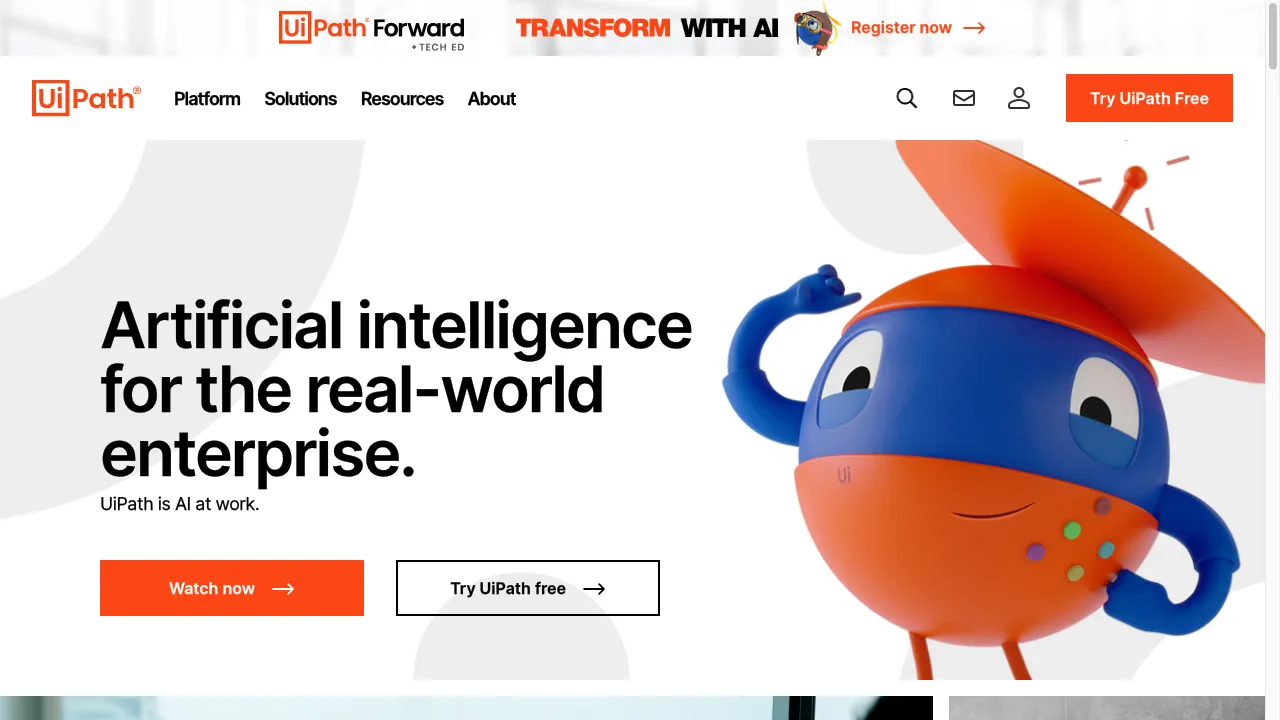
क्या है UiPath?
UiPath is a leading Robotic Process Automation (RPA) platform designed to facilitate the automation of repetitive tasks across various business processes. It enables organizations to streamline operations, reduce human error, and enhance productivity by automating mundane tasks that typically require human intervention. The platform is particularly beneficial for large-scale enterprises looking to implement end-to-end automation solutions. UiPath employs a user-friendly interface that allows users to create automation workflows without extensive programming knowledge, making it accessible to a broader audience.
UiPath ट्रैफिक एनालिटिक्स
UiPath मासिक विजिट
UiPath शीर्ष विजिट किए गए देश
UiPath शीर्ष कीवर्ड्स
UiPath वेबसाइट ट्रैफिक स्रोत
UiPath विशेषताएँ
Drag and Drop Workflow
UiPath allows users to create visual workflows effortlessly by dragging and dropping tasks onto a graphical workspace. This feature simplifies the design of automation sequences, making it user-friendly even for those with limited technical skills.
Record and Playback
The platform includes a recorder wizard that captures user actions in web applications or desktop environments, enabling them to be played back as automated processes. This feature is particularly useful for automating repetitive tasks.
Advanced Scraping Options
UiPath provides robust data scraping capabilities, allowing users to extract data from various applications and web pages, including those with complex structures. This feature enhances data handling and processing efficiency.
High Security and Robustness
The platform ensures secure automation with features like auto-login and locked screen operations, allowing bots to run securely without user intervention. This is crucial for maintaining data integrity and security.
Integration Capabilities
UiPath integrates seamlessly with popular applications such as Microsoft SharePoint, Excel, and SAP, enhancing its utility in diverse business environments and facilitating smoother operations.
Cloud-first Flexibility
Offering cloud-based solutions, UiPath allows users to access automation tools without the need for extensive IT infrastructure, making it easier for organizations to implement and scale their automation efforts.
UiPath फायदे
User-Friendly Interface
Many users appreciate the intuitive design of UiPath, which allows individuals without extensive technical skills to create automations.
Versatile Tool
UiPath is recognized for its ability to automate a wide range of applications and processes, often exceeding user expectations in functionality.
Excellent Integration
The platform's integration capabilities with various software systems enhance its usability and effectiveness in diverse business environments.
Strong Community Support
UiPath has a robust community that provides support, resources, and shared experiences, making it easier for new users to learn and troubleshoot.
UiPath नुकसान
Complex User Interface
Some users have reported difficulties navigating the user interface, particularly when compared to other automation tools.
Stability Issues
Users have experienced stability problems with features like Optical Character Recognition (OCR) and screen recording, which can disrupt automation processes.
Pricing Concerns
UiPath is considered expensive compared to some competitors, which may limit its accessibility for smaller organizations.
Insufficient Reporting
Users have noted that the reporting capabilities within the Orchestrator could be improved, particularly regarding the granularity of execution data.
उपयोग कैसे करें UiPath
Step 1: Getting Started
Users can begin by signing up for the UiPath Community Edition, which is free and provides access to essential features for learning and development.
Step 2: Creating Workflows
Users can utilize the drag-and-drop interface to create workflows. The recorder feature allows for easy automation of repetitive tasks by capturing user actions.
Step 3: Testing and Deployment
Once workflows are created, they can be tested within the UiPath Studio environment. After successful testing, users can deploy their automations to the UiPath Orchestrator for management and monitoring.
Step 4: Monitoring and Analytics
Users can leverage the analytics dashboard to monitor the performance of their automations and make necessary adjustments to optimize efficiency.
कौन उपयोग कर रहा है UiPath
Finance and Accounting
Automating invoice processing, reconciliation, and financial reporting to streamline operations and reduce manual errors.
Human Resources
Streamlining onboarding processes, payroll management, and employee data management to improve efficiency and accuracy.
Customer Service
Enhancing customer support through automated responses and ticket management, allowing for quicker resolution times.
Supply Chain Management
Automating order processing, inventory management, and logistics tracking to optimize supply chain operations.
Healthcare
Streamlining patient data management, appointment scheduling, and billing processes to enhance service delivery.
टिप्पणियाँ
"UiPath has revolutionized our processes. The ease of use and robust features are unmatched!"
"We have seen significant efficiency improvements since implementing UiPath. Highly recommend it!"
"The community support for UiPath is fantastic. Whenever I face an issue, I find help quickly."
"Although the interface can be complex, the overall functionality of UiPath is excellent."
संदर्भ
- [3] UiPath प्लेटफ़ॉर्म समीक्षाएँ.URL:https://www.trustradius.com/products/uipath-platform/reviews?qs=product-usage
- [4] UiPath: फायदे और नुकसान.URL:https://medium.com/@james.miller_58003/uipath-pros-and-cons-494520e3d5f5on: 9/30/2023
UiPath विकल्प

Workflow management software for businesses.

टीमों के लिए एक प्रमुख दृश्य सहयोग प्लेटफार्म।

AI-powered Chrome extension for productivity enhancement.

AI-सम्प्रेषित उत्पादकता प्रबंधन उपकरण

विविध प्रक्रिया प्रबंधन और कार्यप्रवाह स्वचालन उपकरण।

एक एआई प्लेटफॉर्म जो उद्यम संचालन को बढ़ाने के लिए है।

एक AI-प्रेरित शेड्यूलिंग उपकरण उत्पादकता के लिए।

एक नवीनतम AI उपकरण जो पाठ से वीडियो निर्माण करता है।

एक CRM टूल जो Gmail के साथ ग्राहक संबंधों का प्रबंधन करता है।

एक ओपन-सोर्स वर्कफ़्लो स्वचालन उपकरण।

एक व्यापक AI टूल्स निर्देशिका उत्पादकता के लिए।

AI-powered meeting recording and note-taking platform.

गमलूप एक बहुपरकारी प्लेटफार्म है जो कार्यप्रवाह को स्वचालित करने के लिए एआई का उपयोग करता है।

उपयोगिता और उत्पादकता ऐप्स के लिए एक प्रमुख मंच।

एक अनुकूलन योग्य CRM समाधान आधुनिक व्यवसायों के लिए।

An advanced platform for automating customer interactions.