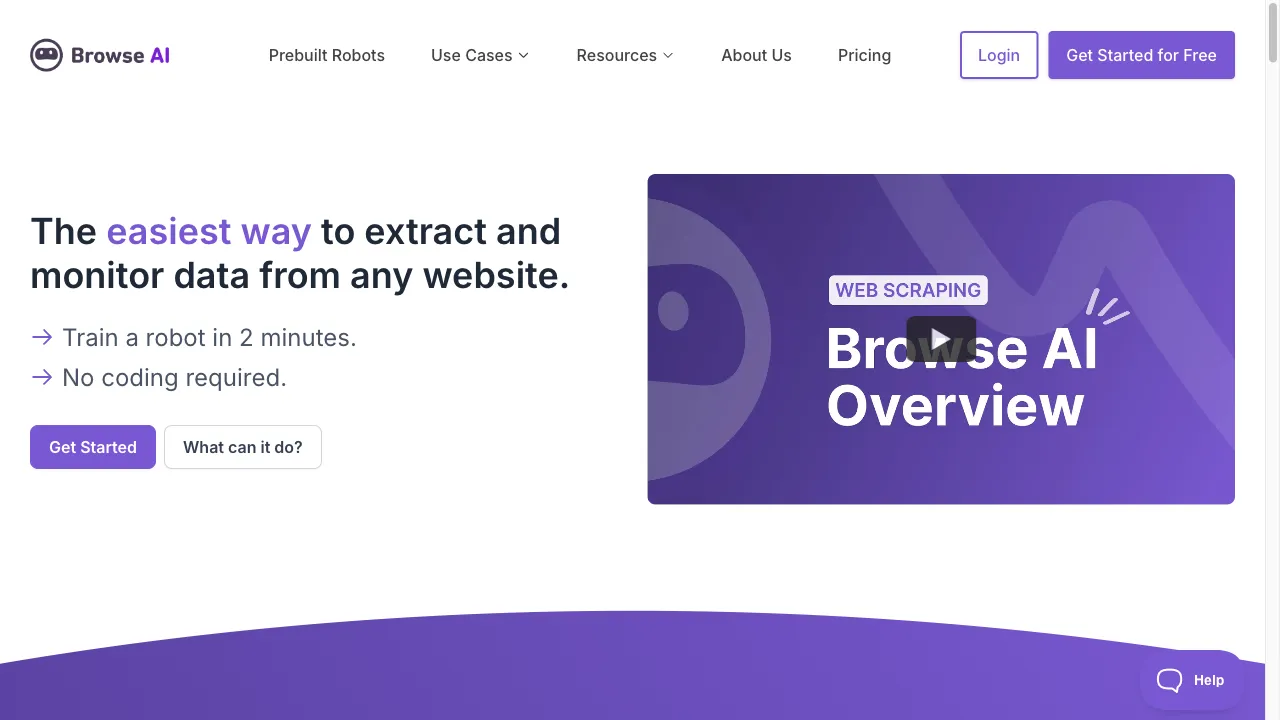
What is Browse AI?
Browse AI is a no-code web automation tool that helps users extract and monitor data from websites effortlessly. With features like data extraction, website monitoring, and prebuilt robots, it caters to both individual users and businesses looking to streamline their data-driven tasks without any coding knowledge. The platform allows for easy integration with other tools, making it versatile for various applications such as price monitoring, lead generation, and turning websites into APIs. Its user-friendly interface and generous free plan make it accessible to a wide audience, although users should be aware of its limitations regarding complex workflows and performance issues.
Browse AI Traffic Analytics
Browse AI Monthly Visits
Browse AI Top Visited Countries
Browse AI Top Keywords
Browse AI Website Traffic Sources
Browse AI Features
No-Code Automation
Browse AI makes it easy for users to create custom automation workflows without any coding knowledge. This feature is particularly beneficial for non-programmers who need to automate data collection tasks.
Data Extraction
The platform supports the extraction of various types of data, including text, images, and links, from any website. Users can easily download the extracted data in spreadsheet format or export it to other applications.
Website Monitoring
Browse AI allows users to monitor websites for changes over time. Users receive notifications when changes are detected, ensuring they stay informed about important updates.
Prebuilt Robots
The platform offers prebuilt robots for common use cases, simplifying the setup process for data extraction tasks. Users can also create custom robots tailored to their specific needs.
Integration Capabilities
Browse AI can be integrated with other platforms, enabling users to push extracted data into their existing workflows, enhancing the tool's versatility.
Browse AI Pros
Accessible Free Plan
Browse AI offers a generous free plan that includes 5 robots and 50 credits, allowing users to explore the platform without any financial commitment. This accessibility makes it an attractive option for individuals and small businesses looking to automate data extraction.
Efficient Monitoring Features
The tool provides precise monitoring capabilities, enabling users to track changes in text, images, and design elements on websites. This feature is essential for businesses that need to stay updated with competitors and market trends.
Support for Complex Websites
Browse AI effectively supports data extraction from complex websites that require sign-in, scrolling, and pagination. This capability allows users to gather data from a wider range of sources, enhancing its utility.
Browse AI Cons
Limited Error Messaging
The error messaging system in Browse AI is not always helpful, which can make troubleshooting issues challenging for users. This limitation may hinder user experience, especially for those unfamiliar with data extraction processes.
Performance Issues on Heavy Sites
Users have reported that the browser extension may freeze or experience performance issues when scraping heavy or complex websites. This can affect the overall efficiency of data extraction tasks.
Potential Limitations on Certain Websites
While Browse AI is designed to work on any website, there may be limitations based on website structure and content type. Users should be aware of these potential restrictions when planning their data extraction tasks.
How to Use Browse AI
Step 1: Create a Free Account
To get started with Browse AI, visit the website and sign up for a free account. No credit card is required for registration, making it easy to begin using the platform.
Step 2: Select a Task Type
After logging in, choose between two main task types: "Extract Structured Data" or "Monitor Site Changes". This selection will determine the next steps in your data extraction or monitoring process.
Step 3: Input the Website URL
Enter the URL of the website from which you want to scrape data or monitor changes. This step is crucial for setting up your automation tasks.
Step 4: Build Your Robot
Download the Browse AI browser extension and use it to create a new robot. Simply point and click on the webpage to indicate which details you want to capture, making the setup process intuitive.
Step 5: Review and Export Your Data
Once the robot has captured the data, review it for accuracy. You can then name your robot, save it, and export the data in your desired format, ready for use in your business processes.
Who is Using Browse AI
Website to API Transformation
Browse AI allows users to turn any website into a scalable API without requiring coding skills. This feature is particularly useful for businesses that need to automate data-driven tasks from websites that do not offer APIs, facilitating seamless data integration.
Real-Time Price Monitoring
Businesses can utilize Browse AI to monitor competitor pricing, discounts, and promotions in real-time. This capability helps companies make informed pricing decisions and stay competitive in their respective markets.
Comprehensive Product Data Extraction
E-commerce businesses can gather detailed product information, including names, descriptions, images, and specifications. This data collection enhances product comparisons and improves the overall product offerings.
Lead Generation from Directories
Browse AI can extract contact information from business directories, assisting in the generation of leads for marketing and sales purposes. This feature is vital for businesses looking to expand their customer base.
Review Monitoring and Analysis
The tool allows users to scrape and monitor reviews from any website, providing valuable insights for making better business decisions. This capability is essential for understanding customer sentiment and improving products or services.
Comments
"Browse AI has completely transformed how I gather data from websites. The no-code feature is a game changer for someone like me who isn't tech-savvy!"
"I love the monitoring feature; it helps me keep track of competitor changes without any hassle. Highly recommend it!"
"The free plan is fantastic! I was able to test it out thoroughly before deciding to upgrade. Great tool overall!"
"While the tool is easy to use, I did encounter some performance issues with heavy websites. It can be frustrating at times."
"I appreciate the integration capabilities with other tools. It has made my workflow so much more efficient!"
References
- [2] Browse.AI Review & Alternatives 2024.URL:https://hexomatic.com/academy/2024/02/09/browse-ai-review-2024-main-features-and-use-cases/on: 2/8/2024
- [3] Browse AI Review: Turn Any Website Into an API.URL:https://phillipstemann.com/browse-ai-review-turn-any-website-into-an-api/
Browse AI Alternatives

Comprehensive AI tools aggregator for easy discovery and comparison.

AI productivity tool for seamless workflow enhancement.

Next-generation AI-powered search engine for direct answers.

AI-powered coding assistant for developers.

AI-driven conversational intelligence platform for customer engagement.

An innovative conversational AI platform for customizable interactions.

A comprehensive directory for discovering AI tools and resources.

Open-source workflow automation tool for seamless task integration.

AI Copilot for Enhanced Productivity Across Websites

AI-powered customer experience automation platform.

An all-in-one AI platform for diverse applications.

A comprehensive directory of AI tools for productivity and efficiency.

AI-powered platform for automated code reviews.

A hybrid search engine combining Google and ChatGPT.

Enhance productivity with over 20 AI tools in a Chrome extension.

Your go-to platform for the best AI tools.