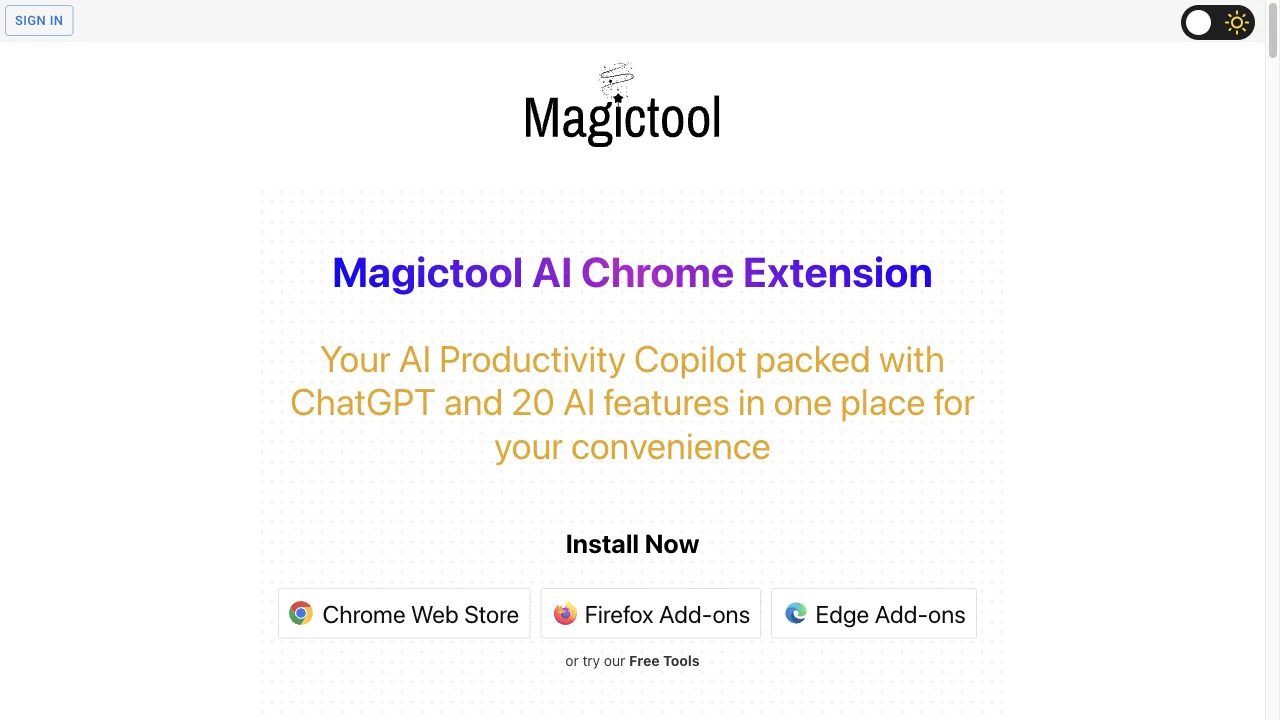
What is Magictool AI?
Magictool AI is a comprehensive Chrome extension designed to boost productivity through over 20 integrated AI tools. Users can access features like AI Grammar Checker, PDF interaction, YouTube summarization, and an AI Writing Copilot. This extension caters to a wide range of users, including students, professionals, and content creators, by streamlining various online tasks. The user-friendly interface ensures that even those without technical expertise can easily navigate its capabilities, making it an invaluable resource for enhancing efficiency across different domains.
Magictool AI Traffic Analytics
Magictool AI Monthly Visits
Magictool AI Top Visited Countries
Magictool AI Top Keywords
Magictool AI Website Traffic Sources
Magictool AI Features
AI Grammar Checker
The AI Grammar Checker instantly checks grammar and spelling on webpages, helping users produce clear and professional writing. This feature is essential for anyone looking to enhance the quality of their text effortlessly.
Chat with PDF
This feature allows users to interact with PDF documents, enabling them to find information quickly and easily. Ideal for students and researchers, it streamlines the process of navigating complex documents.
AI Writing Copilot
The AI Writing Copilot assists users in crafting better content by providing grammar checks and writing suggestions. It enhances the quality of writing while saving time and effort.
YouTube Summarizer
The YouTube Summarizer quickly condenses video transcripts and comments, providing users with a brief overview of key points. This feature is perfect for busy individuals who need to grasp video content without watching it in full.
Magic Editor and Magic Shortcut
The Magic Editor is an AI-powered text editor that integrates various AI features, while the Magic Shortcut allows users to invoke tools directly from any text field, enhancing usability and accessibility.
Reader Mode
Reader Mode offers a distraction-free reading experience by removing ads and clutter from web pages. Users can customize their viewing preferences, making reading more enjoyable.
Magictool AI Pros
Comprehensive Toolset
Magictool AI offers an extensive array of AI tools, making it a one-stop solution for various productivity needs. This comprehensive toolset allows users to perform a multitude of tasks, from writing assistance to data analysis, all within a single extension. The convenience of having multiple functionalities at their fingertips significantly enhances the user experience.
User-Friendly Interface
The extension is designed to be intuitive and easy to navigate, ensuring that even those without technical backgrounds can utilize its features effectively. The user-friendly interface contributes to a seamless experience, allowing users to quickly access the tools they need without confusion.
Time-Saving
With features like the YouTube summarizer and AI Writing Copilot, users can save valuable time by obtaining quick summaries and writing assistance. These time-saving capabilities are particularly beneficial for busy individuals, enabling them to focus on more critical tasks.
Magictool AI Cons
Free Trial Limitations
The free trial of Magictool AI comes with limitations on daily credits for AI tool usage. Users who wish to access the full range of features may need to subscribe to a paid plan, which could be a drawback for those looking for a completely free solution.
Privacy Concerns
As user input is sent to OpenAI servers when utilizing AI features, there may be privacy concerns for some users. Although measures are in place to protect user data, individuals should carefully consider their comfort level regarding data sharing.
Subscription Plans Required
For users interested in extended access to the AI features, subscription plans are necessary. This requirement may deter some potential users who prefer free tools or are hesitant to commit to a payment plan.
How to Use Magictool AI
Step 1: Installation
To get started with Magictool AI, first, download and install the extension from the Chrome Web Store. Simply search for 'Magictool AI' and click on the 'Add to Chrome' button to install it on your browser.
Step 2: Activation
After installation, activate the extension by clicking on its icon located in the browser toolbar. This will open the Magictool AI interface, where you can access all the available features.
Step 3: Feature Access
Once activated, you can explore various features of Magictool AI. Navigate through the interface to utilize tools such as grammar checking, PDF interactions, and YouTube summarization. Each feature is designed to enhance your productivity.
Who is Using Magictool AI
Boosting Productivity and Efficiency
Magictool AI serves as an all-in-one toolkit that enhances productivity by providing features like grammar checking, text summarization, and AI writing assistance. Users can streamline their workflow and complete tasks more efficiently.
Enhancing Workplace Communication
Professionals can utilize Magictool AI to generate quick email responses, proofread documents, and summarize content from web pages and PDFs. This capability enhances workplace communication and ensures clarity in correspondence.
Assisting Students
Students can benefit from Magictool AI's features tailored for academic work, including grammar checking and summarization tools. This support aids in improving the quality of essays and research projects.
Comments
"Magictool AI has revolutionized the way I work online! The grammar checker is a lifesaver, and the YouTube summarizer saves me so much time. Highly recommend it!"
"I love the chat with PDF feature. It makes navigating through my research papers a breeze. Magictool AI is a game changer for students!"
"The interface is super user-friendly. Even if you're not tech-savvy, you'll find it easy to use. A must-have extension!"
References
- [6] Magictool AI on Chrome Web Store.URL:https://chromewebstore.google.com/detail/ai-chrome-extension-power/fedmdabgnkfghjplejeilojikdaopkpm?hl=en
Magictool AI Alternatives

Enhance language learning with immersive multimedia tools.

Engaging Conversations with Unique Virtual Characters

Enhance your search and information collection experience.

Your AI-Powered Chrome Assistant for Automation

Comprehensive AI tools aggregator for easy discovery and comparison.

AI detection tool for identifying AI-generated text.

Innovative AI chatbot platform by Quora.

AI productivity tool for seamless workflow enhancement.

Automated web accessibility solution for ADA & WCAG compliance.

Enhance your productivity with AI-driven assistance directly in Chrome.

AI Copilot for Enhanced Productivity Across Websites

A comprehensive directory of AI tools for productivity and efficiency.

AI tool for summarizing and retaining information effectively.

Web automation tool for data extraction and monitoring.

Your AI Companion for Emotional Support and Growth

Your go-to platform for the best AI tools.