क्या है WinX DVD Ripper?
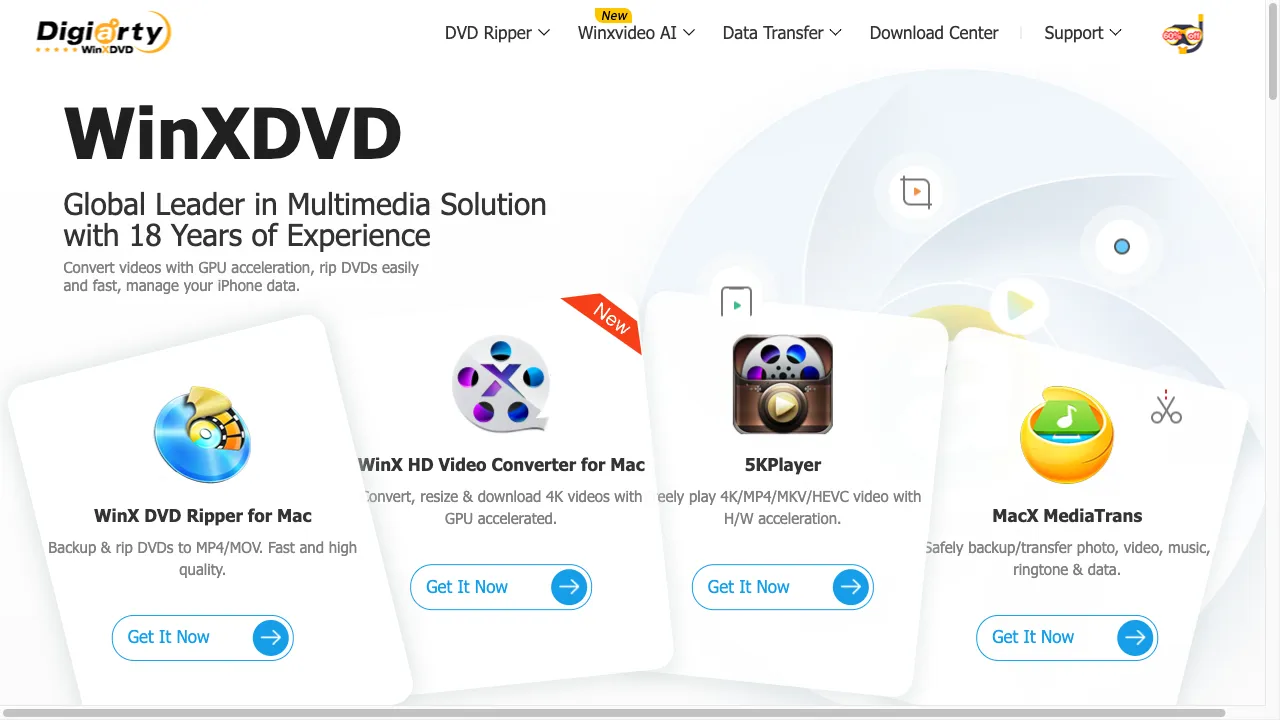
WinX DVD Ripper, developed by Digiarty Software, Inc., is a leading software in the multimedia industry known for its DVD ripping capabilities. Since 2006, it has evolved to offer features that cater to both casual users and professionals. The software converts DVD content into various digital formats, supporting devices like iPhones, iPads, Android devices, and gaming consoles. It comes in two versions: a free version with basic features and a Platinum version with advanced functionalities. Key features include wide format support, high-speed conversion, copy protection removal, video editing tools, and multi-language support. WinX DVD Ripper is ideal for personal use, archiving, editing, and sharing DVD content.
WinX DVD Ripper ट्रैफिक एनालिटिक्स
WinX DVD Ripper मासिक विजिट
WinX DVD Ripper शीर्ष विजिट किए गए देश
WinX DVD Ripper शीर्ष कीवर्ड्स
WinX DVD Ripper वेबसाइट ट्रैफिक स्रोत
WinX DVD Ripper विशेषताएँ
Wide Format Support
WinX DVD Ripper supports over 350 output profiles, allowing users to convert DVDs into formats suitable for different devices and platforms.
High-Speed Conversion
The software utilizes Level-3 hardware acceleration, significantly speeding up the DVD ripping process without compromising quality.
Copy Protection Removal
It can bypass various DVD copy protection mechanisms, including CSS, region codes, and Sony ARccOS, making it versatile for both homemade and commercial DVDs.
Video Editing Tools
Users can trim, crop, merge, and add subtitles to videos, providing basic editing capabilities within the software.
Language Support
The software is available in multiple languages, including English, Spanish, French, German, Japanese, and Chinese.
WinX DVD Ripper फायदे
High-Quality Output
Maintains high video and audio quality during conversion.
Fast Processing
Utilizes hardware acceleration for quick conversions.
User-Friendly Interface
Simple and intuitive interface, suitable for users of all skill levels.
Comprehensive Format Support
Supports a wide range of output formats and devices.
WinX DVD Ripper नुकसान
Limited Free Version
The free version has restricted features compared to the Platinum version.
Occasional Performance Issues
Some users have reported freezing issues when previewing long movies.
Old-School Interface
The interface may appear outdated to some users.
उपयोग कैसे करें WinX DVD Ripper
Step 1: Installation
Download and install the software from the official website.
Step 2: Loading the DVD
Insert the DVD into your computer's drive and launch the software. Click on the "DVD Disc" button to load the DVD.
Step 3: Selecting Output Format
Choose the desired output format from the "Output Profile" window. Options include MP4, AVI, MOV, and device-specific profiles.
Step 4: Editing (Optional)
Use the built-in editing tools to trim, crop, or add subtitles to the video.
Step 5: Ripping
Click the "RUN" button to start the ripping process. The software will convert the DVD content into the selected format.
Step 6: Saving
Once the process is complete, the digital file will be saved to the specified location on your computer.
कौन उपयोग कर रहा है WinX DVD Ripper
Personal Use
Converting DVDs to digital formats for playback on various devices.
Archiving
Creating backups of DVDs to prevent data loss.
Editing
Basic video editing for personal projects.
Sharing
Preparing DVD content for sharing on social media or other platforms.
टिप्पणियाँ
"WinX DVD Ripper is a game-changer for my DVD collection! The conversion speed is amazing, and the quality is top-notch!"
"I love how easy it is to use. I was able to convert my DVDs within minutes!"
"The free version is good, but I eventually upgraded to Platinum for more features. Totally worth it!"
"I had a few issues with the preview freezing, but overall, it works great for ripping DVDs."
"The interface could use a modern touch, but the functionality is excellent!"
संदर्भ
- [1] Techjury Review of WinX DVD Ripper.URL:https://techjury.net/reviews/winx-dvd-ripper-review/on: 12/31/2023
- [2] Cisdem Review of WinX DVD Ripper.URL:https://www.cisdem.com/resource/winx-dvd-ripper-review.htmlon: 12/31/2023
- [3] Dealarious Blog Review of WinX DVD Ripper Platinum.URL:https://www.dealarious.com/blog/winx-dvd-ripper-platinum-review/on: 12/31/2023
WinX DVD Ripper विकल्प

वीडियो और फोटो संपादन के लिए मल्टीमीडिया सॉफ़्टवेयर।

एक क्लाउड-आधारित वीडियो संपादन प्लेटफॉर्म सभी स्तरों के लिए।

नवीनतम ऑडियो और वीडियो संपादन सॉफ्टवेयर।

एक सरल और शक्तिशाली वीडियो संपादन टूल

AI-driven platform for image and video editing.

मीडिया संपादन और प्रबंधन के लिए मल्टीमीडिया सॉफ़्टवेयर सूट।

संपूर्ण मल्टीमीडिया संपादन और स्क्रीन रिकॉर्डिंग उपकरण।

AI-powered photo editing app for mobile devices.

AI-powered video editing for content creators.

एक शक्तिशाली वीडियो रूपांतरण और संपादन उपकरण।

एक AI-संचालित.resume बनाने वाला उपकरण नौकरी चाहने वालों के लिए।

एक शक्तिशाली वीडियो संपादन ऐप रचनात्मक उपयोगकर्ताओं के लिए।

AI-powered platform for video transcription and editing.

एक शक्तिशाली ऑनलाइन वीडियो निर्माण उपकरण।

फेसट्यून एक प्रमुख फोटो संपादन ऐप है।

एक मानव-आधारित टेक्स्ट-टू-स्पीच सॉफ़्टवेयर जो प्राकृतिक वॉयस-ओवर के लिए है।