क्या है LightPDF?
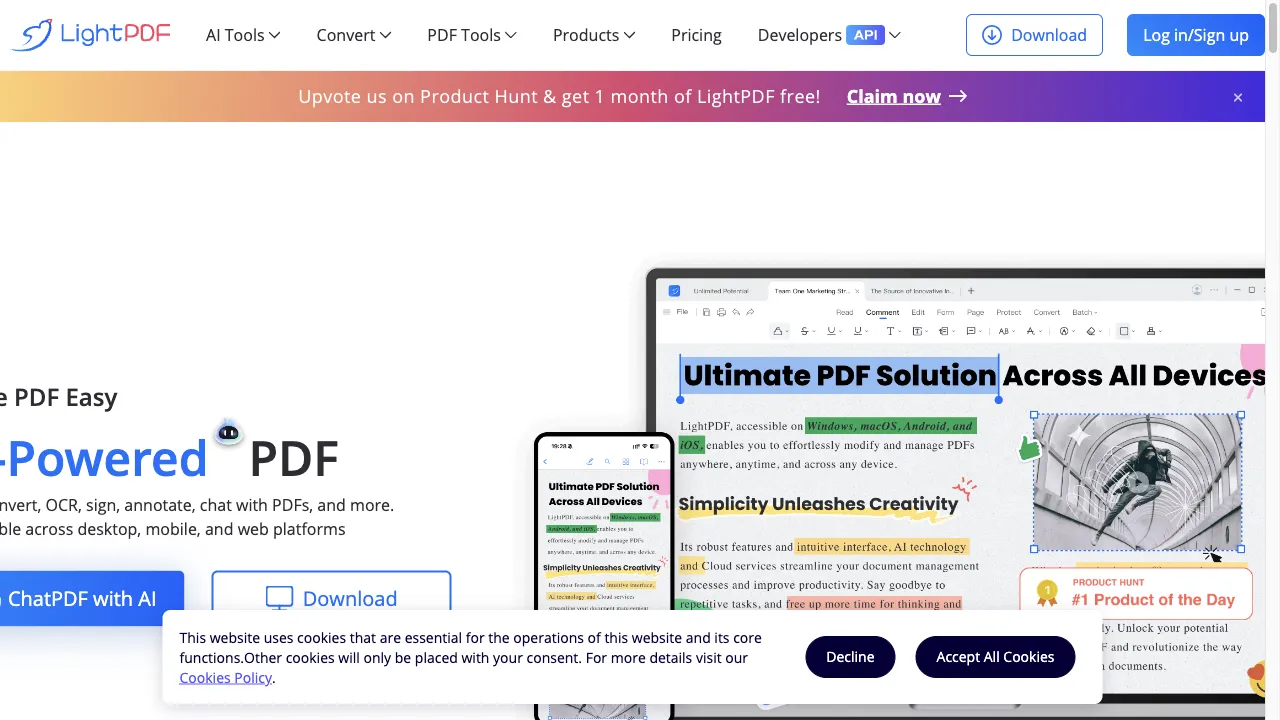
LightPDF is an AI-powered online platform designed to simplify the management of PDF documents. It offers a wide range of features, including editing, converting, signing, and collaborating on PDF files. Accessible from multiple devices, it emphasizes user privacy with secure file processing. Ideal for business professionals, students, researchers, and content creators, LightPDF enhances productivity through its intuitive interface and comprehensive tools.
LightPDF ट्रैफिक एनालिटिक्स
LightPDF मासिक विजिट
LightPDF शीर्ष विजिट किए गए देश
LightPDF शीर्ष कीवर्ड्स
LightPDF वेबसाइट ट्रैफिक स्रोत
LightPDF विशेषताएँ
PDF Conversion
Convert PDF files to and from various formats, including Word, Excel, PPT, TXT, and images (JPG, PNG). This feature is particularly useful for editing or repurposing content from PDFs.
Optical Character Recognition (OCR)
LightPDF's advanced OCR technology allows users to extract text from scanned documents and images, making them editable and searchable while preserving the original layout.
PDF Editing
The platform provides intuitive tools for editing PDF documents, including adding text, images, annotations, and adjusting layouts, simplifying document customization.
Secure File Processing
LightPDF prioritizes user privacy by ensuring that all uploaded documents are processed securely and deleted after a certain period.
Collaboration Tools
The platform supports real-time collaboration, allowing multiple users to access and edit the same document simultaneously, beneficial for team projects.
AI-Powered Features
LightPDF includes AI capabilities that allow users to interact with documents through a chat interface, summarizing content and extracting information easily.
LightPDF फायदे
User-Friendly Interface
LightPDF is praised for its intuitive design, making it accessible for both beginners and experienced users.
Comprehensive Features
The platform offers a wide range of tools for various PDF tasks, reducing the need for multiple applications.
Cross-Platform Compatibility
Users can access LightPDF from any device, ensuring flexibility and convenience.
Secure Processing
The platform emphasizes user privacy, ensuring that files are encrypted and deleted after use.
AI Integration
The AI-powered features enhance productivity by allowing users to interact with documents in innovative ways.
LightPDF नुकसान
Limited Features in Free Version
Users may find that the free version has restrictions on file size and the number of tasks per day, which can be a drawback for heavy users.
Occasional Slow Processing Times
Some users have reported that processing times can be inconsistent, particularly with larger files.
Cost for Advanced Features
To access the full range of features, users need to subscribe to a premium plan, which may not be ideal for everyone.
उपयोग कैसे करें LightPDF
Step 1: Access the Website
Navigate to LightPDF's official website.
Step 2: Choose a Tool
Select the desired tool from the homepage, such as PDF to Word conversion, editing, or OCR.
Step 3: Upload Your Document
Click on the upload button to select the file you want to work with.
Step 4: Perform Your Task
Depending on the selected tool, you can edit, convert, or analyze your document.
Step 5: Download or Share
Once you have completed your task, download the modified document or share it directly from the platform.
कौन उपयोग कर रहा है LightPDF
Business Professionals
Creating, editing, and sharing reports, proposals, and presentations.
Students and Educators
Managing educational resources, assignments, and collaborative projects.
Researchers
Analyzing and extracting information from academic papers and reports.
Legal Professionals
Editing and managing legal documents securely and efficiently.
Content Creators
Editing and formatting documents for publication or distribution.
टिप्पणियाँ
"LightPDF has completely transformed how I manage PDF documents. The interface is so intuitive that even my tech-challenged colleagues find it easy to use!"
"I love the OCR feature! It makes it easy to extract text from scanned documents without losing the formatting."
"As a student, the free version is somewhat limiting, but the features available are still very helpful for my assignments."
"The ability to collaborate in real-time on projects is a game-changer for my team. We can make edits simultaneously without any hassle!"
"While I appreciate the secure processing, I wish the free version offered a bit more functionality for regular users."
संदर्भ
LightPDF विकल्प

AI-powered PDF interaction tool

एक AI-संचालित प्लेटफ़ॉर्म जो सहज चेहरे को बदलने की सुविधा देता है।

AI-निर्मित पात्रों के साथ बातचीत करें।

एक अभिनव AI प्लेटफ़ॉर्म जिसमें विविध वर्चुअल पात्र हैं।

NSFW सामग्री उत्पन्न करने के लिए अभिनव मंच।

एक अभिनव प्लेटफार्म चेहरे के स्वैपिंग और कला निर्माण के लिए।

एक शक्तिशाली CRM प्लेटफ़ॉर्म डेटा संवर्धन और आउटरीच के लिए।

एक वेबासाइट आधारित प्लेटफॉर्म जो शोधकर्ताओं को सहायक का अन्वेषण करने में मदद करता है।

एक अभिनव AI प्लेटफार्म जो इंटरैक्टिव PDF जुड़ाव के लिए है।

AI tool for interactive PDF document management.

एक संपूर्ण ऑनलाइन PDF समाधान संपादन और रूपांतरण के लिए।

AI-powered website builder for efficient design.

एक अभिनव AI उपकरण PDF इंटरैक्शन के लिए।

एक नवीन AI चैटबॉट प्लेटफ़ॉर्म जो उपयोगकर्ता की गोपनीयता पर ध्यान केंद्रित करता है।

AI-powered tool for PDF document analysis.

A versatile tool for managing PDF documents effectively.